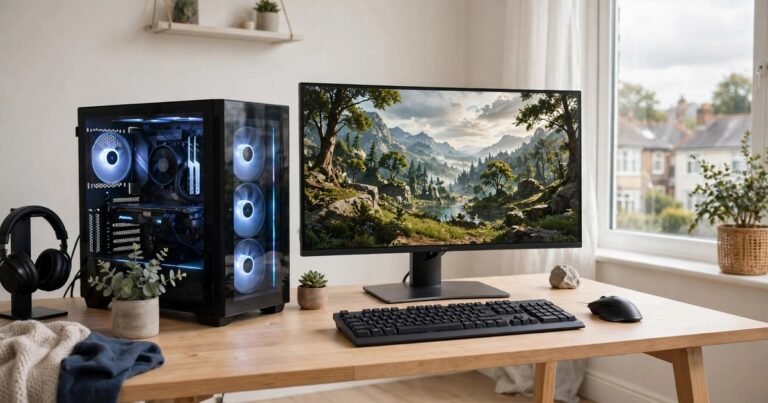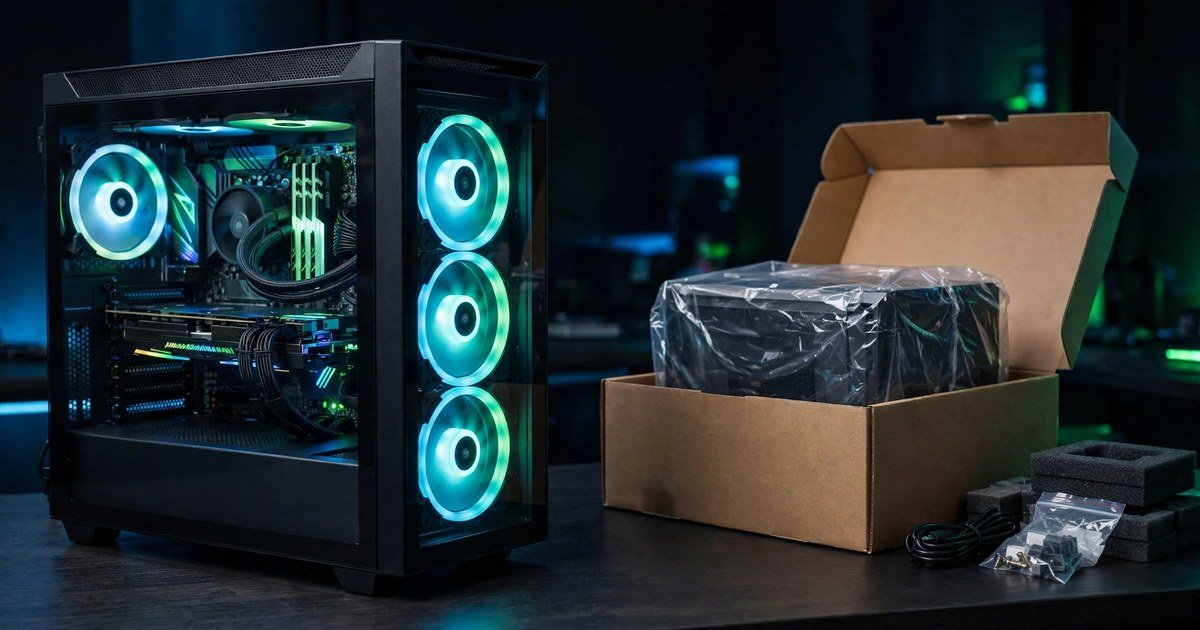
For most UK buyers in 2026, a custom PC from a UK system builder is the best middle ground: retail-grade parts, a clean Windows install and one warranty, usually for less than a big-brand prebuilt. Building it yourself still saves money at the top end, but the 2026 memory price shock has shrunk the saving. A big-brand prebuilt only wins when you need a machine tomorrow or find a real sale price.
What Do Prebuilt and Custom Actually Mean?
There are really three ways to buy a gaming PC in the UK, not two.
A big-brand prebuilt is a fixed machine from HP, Lenovo, Dell or Alienware, sold through Currys, Amazon or the brand’s own store. You pick a model, not parts. It arrives assembled with Windows installed and a single manufacturer warranty.
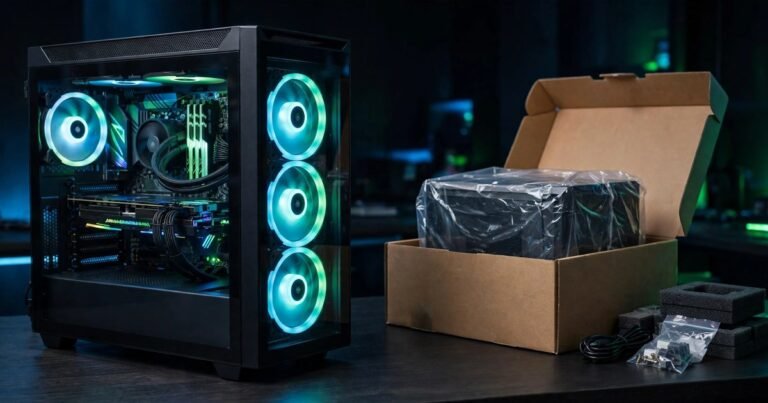
A custom PC from a UK system integrator is built to order by a specialist firm. You choose the parts, and they assemble, test and ship it, with one warranty for the whole machine.
A DIY self-build is a PC you assemble yourself from parts bought at UK retailers. Every part carries its own manufacturer warranty. There is no single warranty for the whole machine.
The 2026 Price Shock: Why the Old Advice Has Changed
For years the advice was simple: build it yourself and save hundreds. In 2026 that needs updating, because memory prices have jumped sharply. Gartner forecasts a combined rise of about 130 percent in DRAM and SSD prices by the end of 2026, lifting average PC prices by roughly 17 percent. Tom’s Hardware reported that a 32GB DDR5 kit that cost roughly 100 to 200 dollars in October 2025 now starts at around 350 dollars.
One UK comparison put a mid-range system (Ryzen 5 7600, RTX 4060 Ti, 32GB DDR5, 1TB NVMe) at 750 to 850 pounds as a DIY build, 850 to 950 pounds from a custom builder, and 1,000 to 1,300 pounds as a big-brand prebuilt. The typical DIY saving over an equivalent prebuilt is 100 to 250 pounds.
During big sales the gap can vanish entirely. Black Friday falls on 27 November 2026, and discounts of 10 to 18 percent are expected on mid-range machines. A prebuilt bought in a sale can cost less than the same parts bought separately, because system builders buy memory and storage in bulk. Check live prices on the day you buy.
Pros and Cons of a Big-Brand Prebuilt
The case for a prebuilt is convenience. It arrives ready to use. Windows and drivers are installed. If anything breaks, one company is responsible. For a first-time buyer, a parent buying for a teenager, or anyone who wants to play games this weekend rather than research parts for a week, that matters.
The case against is value and quality. Big brands cut costs where the spec sheet hides them. The power supply is the classic example: many prebuilts use unbranded units with no 80 Plus efficiency rating, and a weak power supply can damage every part in the system. Motherboards are often the cheapest available, with limited cooling that throttles the CPU. Prebuilts also come with bloatware, and proprietary parts can block a future graphics card upgrade.
Pros and Cons of a Custom PC
A custom PC wins on component quality. You know exactly what is inside: a named-brand power supply, RAM at its proper speed, and a fast NVMe drive. Nothing is hidden.
Upgrades are straightforward because everything uses standard parts. A good custom PC can be upgraded in stages instead of replaced.
The trade-offs are time, effort and risk. A DIY build needs research: motherboard sockets, RAM speeds, power supply wattage and case airflow all matter, and getting one wrong can mean a machine that does not boot. If something fails later, you diagnose it yourself.
A UK system integrator removes most of that risk: part quality and an easy upgrade path, plus professional assembly, stress testing and one warranty. The premium over DIY is typically 100 to 150 pounds. For most buyers, that is the sweet spot.
The Hidden Costs Most Comparisons Skip
First, a Windows 11 licence. Prebuilts and integrator machines include Windows. A DIY build does not, and a retail licence costs around 100 pounds or more. That alone can wipe out the DIY saving at the budget end.
Second, tools and extras: a screwdriver set, thermal paste if your cooler does not include it, and a USB drive to install Windows.
Third, your time: research, ordering, building and fixing the first problem will take a full day for a first-timer, often more. Fourth, delivery and returns. Parts arrive from several retailers, and a faulty part means a return, a wait and a rebuild.
Warranty and Your Rights in the UK
Under the Consumer Rights Act 2015, goods bought in the UK must be of satisfactory quality and fit for purpose. You can reject faulty goods within 30 days for a full refund. If a fault appears within the first six months, it is presumed to have been present at purchase, and the seller must repair, replace or refund it. That applies to a whole prebuilt PC and to a whole integrator machine, because you bought one product from one seller.
With a DIY build, each part is a separate purchase with its own warranty, usually one to three years. If the PC will not boot, you must work out which part failed before you can claim.
Which One Should You Buy?
If your budget is under 800 pounds, be careful. Tom’s Hardware now suggests starting at around 749 pounds for a genuinely viable gaming machine. At this level, a prebuilt bought in a sale may beat a DIY desktop on value. Before you spend anything, check whether the machine you already own can do more: our guide to how to increase FPS on a laptop explains the free settings that often buy another year from existing hardware.
If your budget is 800 to 1,200 pounds, a UK system integrator is usually the best buy: honest parts, one warranty and no build risk, for about 100 pounds more than DIY.
If your budget is over 1,200 pounds, DIY pulls ahead again, because the saving scales with the budget. Just remember the Windows licence and the time cost.
If you have never owned a gaming PC, start with our guide on how to choose your first gaming PC. And if you simply want to play games with zero fuss, buy a prebuilt from a trusted seller during a sale and check the power supply brand before you pay.
Frequently Asked Questions
Is it cheaper to build a gaming PC or buy a prebuilt in the UK in 2026?
Usually, building it yourself is still cheaper, but the gap has narrowed sharply as RAM and SSD prices have risen in 2026. Expect to save roughly 100 to 250 pounds over an equivalent prebuilt, and remember to add a Windows licence of around 100 pounds to the DIY total.
Are prebuilt gaming PCs bad?
No, but quality varies widely. Big-brand prebuilts often hide weak power supplies, slow RAM and cheap motherboards behind an attractive graphics card. A prebuilt from a reputable UK system integrator uses standard retail parts and is a very different product. Always check the full parts list, especially the power supply brand.
Can I upgrade a prebuilt gaming PC later?
It depends on the machine. Custom and integrator PCs use standard parts, so upgrades are easy. Many big-brand prebuilts use proprietary motherboards and power supplies, which can block a graphics card upgrade. Check the parts list before you buy if future upgrades matter to you.
Conclusion
Prebuilt versus custom is a trade between money, time and control. In 2026, with memory prices high and the DIY saving smaller than it used to be, the UK system integrator is the best choice for most buyers: honest parts, one warranty, no build risk, and a price close to DIY. Build it yourself if you enjoy the process. Buy a big-brand prebuilt if you need it now or find a real sale price. Whichever route you take, check the full parts list and count the Windows licence.
About the Author