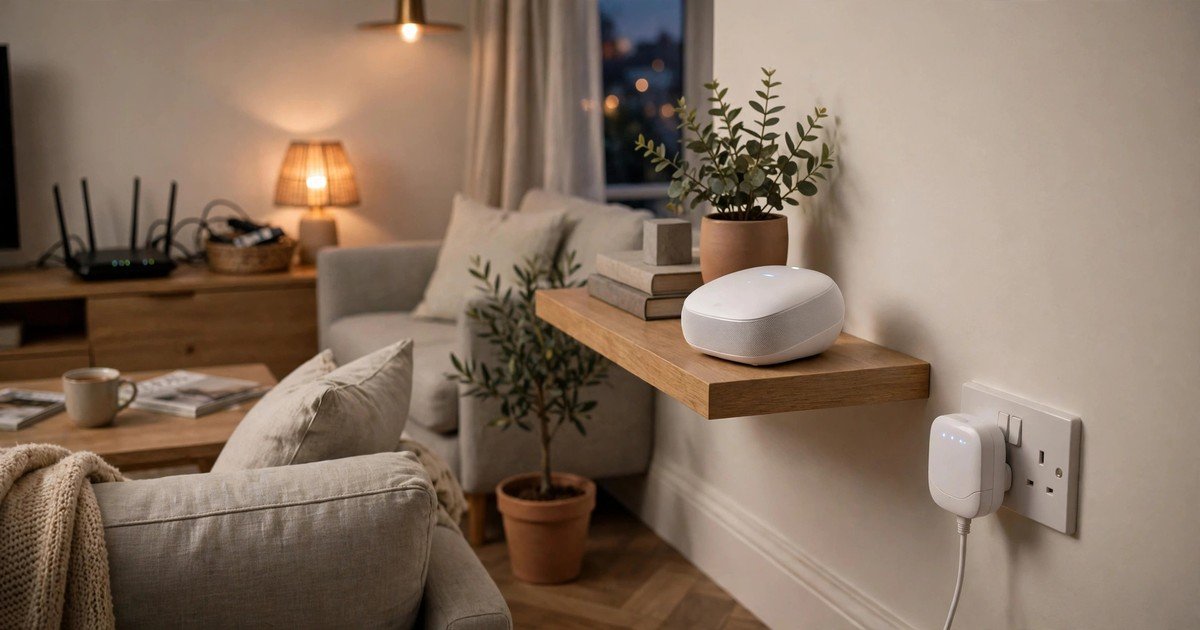
For most UK homes, mesh WiFi is the better buy. It replaces your patchy home network with one coordinated system, so your phone moves from room to room without dropping, and speeds hold up in far rooms. A WiFi extender is the better buy only when you have exactly one weak spot, a tight budget, and a broadband plan that is not very fast. If your whole house is patchy, or you pay for full fibre at 500 Mbps or more, an extender will disappoint you, and you will probably end up buying mesh later anyway.
How a WiFi extender works
A WiFi extender, also sold as a booster or repeater, is a single plug in unit. It connects to your existing router over WiFi, then broadcasts that signal further into the rooms your router cannot reach. It is cheap, it is simple to set up, and it works with almost any router, which is why it still sells well.
The weakness is built into how it works. A basic single band extender uses the same radio to receive and resend, so it can roughly halve the speed on the extended side. It also often creates a second network name, so your phone may cling to a weak router signal instead of switching. Placement makes or breaks an extender: it must sit roughly halfway between your router and the dead zone, in a spot where it still gets a decent signal, ideally two or three bars. Put it inside the dead zone itself and it has nothing useful to rebroadcast.
How mesh WiFi works
A mesh system is a set of two or more units that work as a team. One unit connects to your modem and takes over as your router. The other units, called nodes, sit around your home and talk to each other over a dedicated connection called the backhaul. Your devices see a single network name and roam between nodes automatically as you move around the house.
That coordination is the real advantage. On a good mesh system, especially a tri band model with a dedicated band for node to node traffic, speeds in far rooms stay close to what you get near the router. If you can join the nodes with an Ethernet cable, the wired backhaul is better still, because the link between nodes no longer competes with your devices for airtime. Guide prices from June 2026 put a decent mesh kit for a three bedroom UK home at £60 to £400. Check current prices before you buy.
Mesh vs extender at a glance
| Feature | WiFi extender | Mesh WiFi |
|---|---|---|
| Best for | One weak room | Whole home coverage |
| Network name | Often a second one | One, with automatic roaming |
| Speed in far rooms | Can roughly halve on basic models | Mostly kept, especially tri band or wired |
| Typical UK price | £20 to £40 basic, around £70 for WiFi 6 | £60 to £400 for a home kit |
| Works with any ISP router | Yes | Usually sits behind it or replaces it |
The UK angle other guides skip: your ISP router
Most mesh versus extender guides fall short for UK buyers, because they ignore the router your provider gave you. Virgin Media, BT, Sky, EE and Vodafone all ship different hubs.
With Virgin Media, the cleanest mesh setup is usually to put the Hub into modem mode, so it acts as a simple modem and lets the mesh unit do the routing. If you skip this step, you can end up with two routers fighting over your network, which causes the exact dropouts you bought mesh to fix. Virgin Media also sells its own answer, WiFi Max, with up to three pods and a guarantee of 30 Mbps in every room or a £100 bill credit. BT sells Complete WiFi, with up to three discs and a promise of signal in every room or £100 back, and Sky sells WiFi Max with a guaranteed speed per room or money back. Provider bundles are convenient, but the monthly charge keeps running, while a kit you buy outright costs once. Compare the two year total, not just the first month.
Before you spend anything, move your router if you can. A router buried in a cupboard, behind a TV, or at one end of a long house will leave dead zones no extender or mesh node can fully rescue. Put it in the open, roughly central, and off the floor.
Thick walls, UK homes and the third option
Brick, stone, concrete, foil backed insulation and underfloor heating all weaken wireless signals, and Victorian terraces with thick internal walls are a classic case. A mesh node on the far side of a thick wall gets a weak backhaul link and passes that weakness on to your devices, so buy tri band if you can, and wire nodes together where possible.
There is also a third option: powerline. A powerline adapter pushes your internet through the electrical wiring already in your walls, so it bypasses the obstacles that hobble wireless. It is often the strongest fix for a loft, a garage, or a garden office. Garden offices are the hardest WiFi problem in a normal home, because distance plus two external walls stack together, and provider guarantees do not cover outbuildings. A buried outdoor rated Ethernet cable beats every wireless option for reliability.
Which should you buy?
Buy an extender if you have one stubborn room, your broadband plan is modest, and your budget is tight. A basic dual band extender at £20 to £40 will fix a spare bedroom or a corner of a flat, provided you place it halfway to the dead zone and accept the speed loss. It is also the right choice for renters who cannot replace the ISP gateway, because it works alongside whatever router is already there.
Buy mesh if coverage is patchy in several rooms, if you live across two or more floors, if you have 30 or more connected devices, or if you pay for fast full fibre and want that speed in every room. A stable connection matters for consoles too, and if you are choosing a console for a busy household, our PS5 versus Xbox Series X guide for the UK covers the wider buying decision. If you work from home in the room you are fixing, our budget mechanical keyboard guide focuses on the home office gear that actually helps rather than features you will never use.
Frequently asked questions
Is mesh WiFi better than a WiFi extender?
For whole home coverage, yes. Mesh gives one network name, automatic roaming and far better speed retention in far rooms. An extender is better only for a single weak spot on a tight budget.
Will mesh WiFi make my broadband faster?
No. Mesh improves coverage and consistency inside your home. It cannot raise the speed of the broadband plan coming into your property. If your speed next to the router is already low, contact your provider first.
Do I need modem mode on Virgin Media for mesh?
Usually, yes. Putting the Virgin Media Hub into modem mode lets your mesh unit take over routing and avoids two routers conflicting. Check Virgin Media’s own setup guide for your Hub model before you change settings, and note your current settings first.
What is better for thick walls: mesh, extender or powerline?
For thick walls, tri band mesh with wired backhaul is strong, but powerline often wins where wireless physically struggles, because it uses your mains wiring instead of the air. An extender is the weakest choice for thick wall homes, because it depends on a wireless signal that the walls have already weakened.
How many mesh nodes do I need?
As a rough rule, two nodes suit a typical three bedroom semi, and three nodes suit a larger detached home, a multi floor home, or any home with a loft conversion. Start with the smallest kit that covers your home, as you can add a node later.
Conclusion
How many rooms are actually broken? One room means an extender, placed halfway, not inside the dead zone. Several rooms, multiple floors, thick walls or fast full fibre mean mesh, ideally tri band or wired, set up properly with your ISP hub in the right mode. If wireless keeps failing through stone or into a garden office, try powerline or a cable before you buy more wireless kit.
About the Author