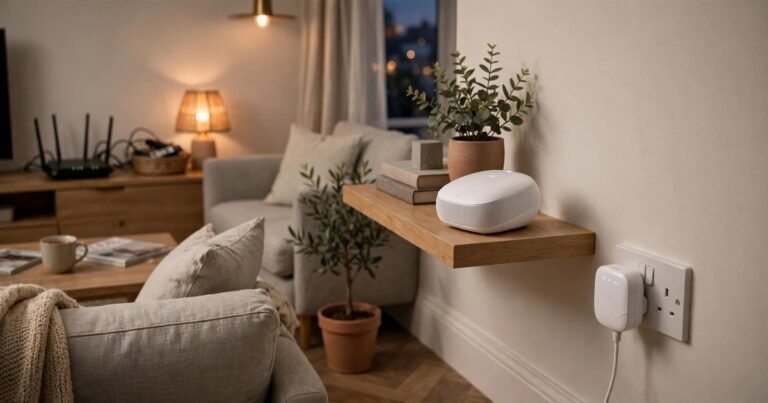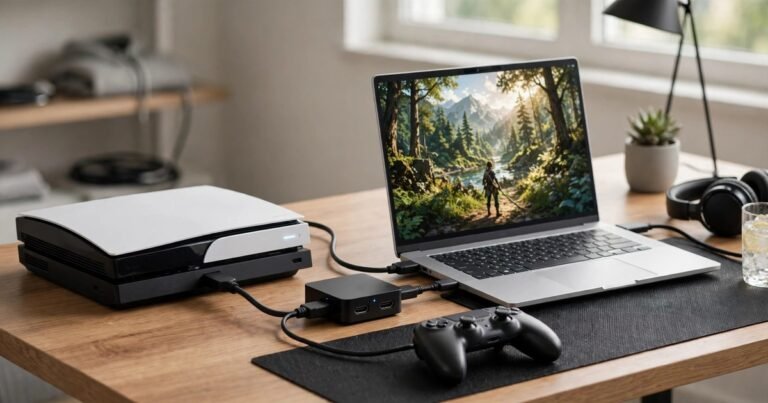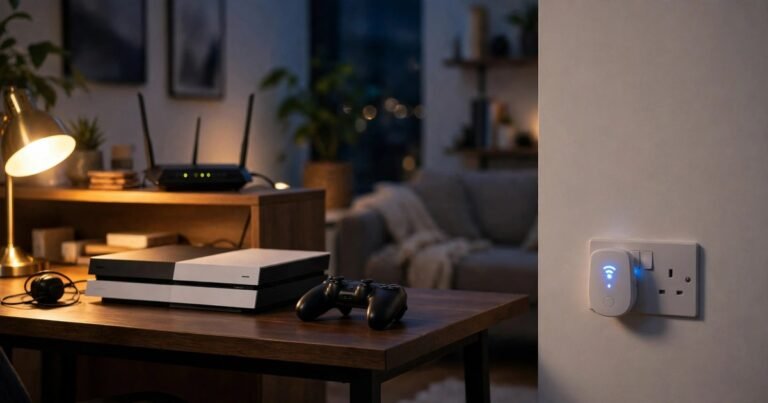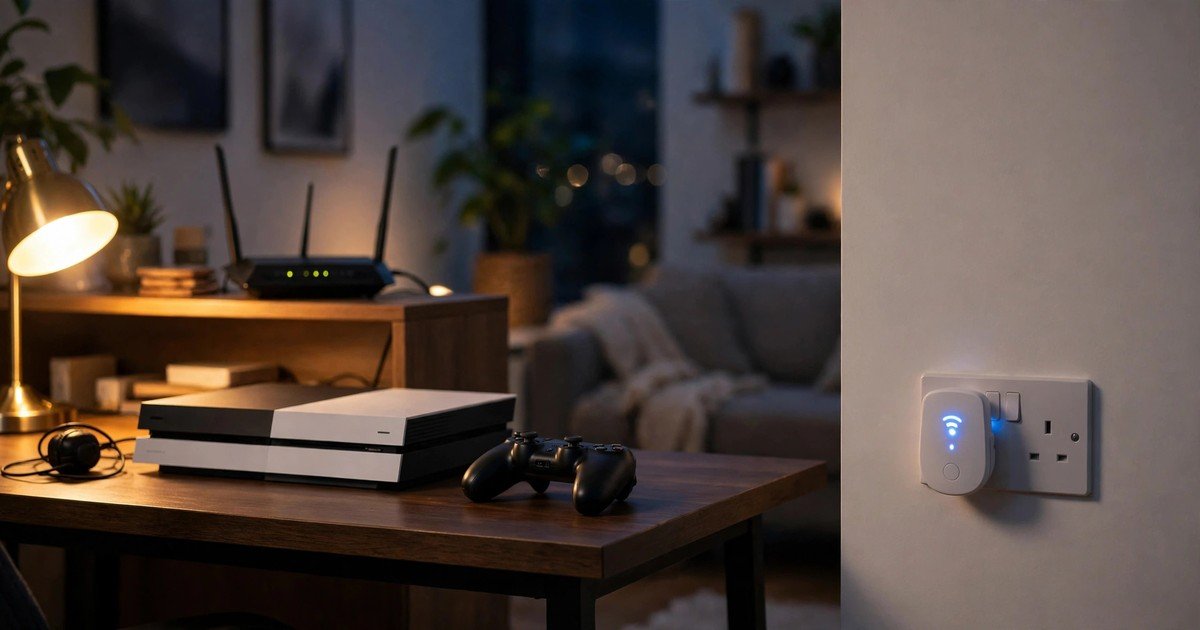
The best WiFi extender for gaming in the UK is a WiFi 6 extender with a Gigabit Ethernet port, placed halfway between your router and your gaming room, with your console or PC connected to it by cable. That wired link matters more than the headline speed on the box.
What gaming actually needs from your WiFi
Gaming does not need huge download speeds. Most online games use little data while you play. They need a steady connection with low delay, little variation in that delay, and almost no lost data. A 200 Mbps speed test can still feel terrible in a match, while a slower but steadier connection feels fine.
Three numbers matter most. Ping is the time for data to travel to the game server and back, in milliseconds. Under 50 ms feels responsive for most games. Jitter is how much ping jumps around. A ping swinging from 20 ms to 120 ms causes stuttering, even if the average looks good. Packet loss means data never arrives, so actions fail to register or players teleport.
An extender affects all three. It adds an extra hop, because your console talks to the extender and the extender talks to the router. It also rebroadcasts the signal, which can halve wireless speed on single band models. If your game looks smooth but feels delayed, the network is the problem. See also how to increase FPS on a laptop for gaming.
Extender vs mesh vs powerline vs Ethernet: the honest comparison
Most buying pages only compare extenders with each other. That hides the real decision.
Ethernet cable gives the lowest lag and the most stable connection. If you can run a cable, even a flat cable along a skirting board, do that first. No wireless fix beats it for competitive play.
Powerline adapter sends the signal through your home electrical wiring and gives a wired style connection in another room. It often beats a wireless extender in UK homes with thick walls, because the signal does not fight through brick. Plug both units directly into wall sockets, not extension leads.
Mesh WiFi is a set of nodes that work as one network with smart routing between them. Mesh usually adds less lag than a single extender and handles moving around the house better, because devices switch nodes without dropping. It costs more, but for a whole house problem it is usually the better buy. Our comparison of mesh WiFi versus WiFi extenders covers UK ISP setups.
WiFi extender is the cheapest fix for one dead spot. It works best when the room already gets a usable signal and you only need to push it a little further, with the console connected by cable. It is the weakest choice for a whole house, for rooms behind two thick walls, or for serious competitive play over wireless alone.
How to choose an extender for gaming
Use these five checks in order. Skip any extender that fails the first two.
1. WiFi 6 as a minimum. Older WiFi 5 extenders still work, but WiFi 6 handles many devices better and pairs well with routers UK providers now supply. You do not need WiFi 7 for gaming today unless your router already supports it.
2. A Gigabit Ethernet port. This is the most important feature for gaming. Plug your PS5, Xbox, or PC into the extender by cable and you remove the weakest wireless hop. Extenders without a port force your console to game over wireless twice over, which causes lag spikes.
3. Dual band, ideally with a dedicated backhaul or tri band design on larger models. A dual band extender can use one band to talk to the router and the other to talk to your device. Single band 2.4 GHz only models are too slow and crowded for gaming.
4. Sensible placement. An extender needs a good signal to repeat. Put it halfway between the router and the gaming room, in the open, not behind a TV or inside a cupboard. If it sits in the dead spot itself, it has nothing good to repeat.
5. One network name where possible. Some extenders create a separate name with EXT on the end, so a console can cling to a weak router signal instead of switching. Models with mesh style roaming for a compatible router, such as TP-Link OneMesh, keep one name and switch more cleanly.
Picks for UK homes
Prices change often, so check a current UK retailer before you buy. These picks focus on gaming features, not headline speed alone.
Best value WiFi 6 pick: TP-Link RE505X. This AX1500 WiFi 6 wall plug extender has a Gigabit Ethernet port and OneMesh support. It suits a single gaming room that already gets a fair router signal. Connect the console by cable for the best result.
Best step up for busy households: TP-Link RE700X. This AX3000 WiFi 6 model adds a faster 160 MHz channel and more headroom when several people stream and game at once. It still needs good placement and a wired console connection.
Best budget wired option: TP-Link RE650. This older AC2600 extender remains useful because it has strong radios and a Gigabit port at a lower price. It lacks WiFi 6, so use it only for a secondary room or a tight budget.
Be wary of no name boosters that advertise one speed figure, such as 300 Mbps, as a gaming solution. Lag comes from delay and lost packets, not headline speed.
Set it up for the lowest lag
Place the extender halfway to the gaming room and check its signal light shows a good router link. Move it closer to the router if the link is weak, because the cable to the console covers the last stretch. Connect the console by Ethernet cable, use the 5 GHz band for the extender to router link where possible, and update the firmware. Then play for at least 30 minutes and watch for spikes, rather than trusting one speed test.
When you should not buy an extender
Do not buy an extender if your whole house has weak WiFi, if the gaming room sits behind two brick walls or two floors from the router, or if you play competitive shooters and need maximum stability. In those cases mesh or powerline will serve you better, and a long Ethernet cable beats both. An extender is a single room fix, not a whole house solution, and two cheap extenders in a chain usually make lag worse. Check broadband first: no extender fixes a slow package.
Frequently asked questions
Does a WiFi extender increase ping for gaming?
Yes, usually by a small amount, because it adds an extra hop. A well placed WiFi 6 extender with a wired console connection keeps that increase small. A badly placed or single band extender can add far more delay and jitter.
Will a WiFi extender fix lag if my broadband is slow?
No. An extender only spreads the connection you already have. Test with a cable at the router first, and buy an extender only when wired speed is good but the gaming room signal is weak.
Can I use a WiFi extender with BT, Sky, Virgin Media, or TalkTalk?
Yes. Standard extenders work with any normal router, including UK ISP routers, through their app or web page. Mesh roaming features may need a compatible router from the same brand, so check that before you buy.
Is a powerline adapter better than a WiFi extender for gaming?
Often, yes, in UK homes with thick walls. Powerline gives a wired style link through electrical wiring and avoids the wireless hop that causes most extender lag.
Do I need a WiFi 7 extender for gaming?
No, not yet for most players. WiFi 6 with a Gigabit Ethernet port covers current consoles and PCs well. WiFi 7 only helps if your router, devices, and broadband can all use it.
Conclusion
For most UK gamers, the best WiFi extender for gaming is a WiFi 6 model with a Gigabit Ethernet port, placed halfway to the gaming room, with the console connected by cable. That gives the lowest lag an extender can offer. If you need whole house cover, play competitively, or game behind thick walls, spend more on mesh or powerline instead, because no extender beats a cable.
About the Author