Yes, you can buy a genuinely good office monitor for under £150 in the UK. The sweet spot in 2026 is a 27-inch QHD IPS panel at around £120 to £143, or a 24-inch Full HD IPS panel for under £90 if your desk is small. Our top cheap starting point is the BenQ GW2490 at around £86, and the best value upgrade is the MSI MP273QW at around £120. Every price in this guide was checked on 23 November 2026, so confirm it before you buy.
What actually matters in an office monitor
Office work is mostly reading, typing and video calls, so the panel and the stand matter far more than the gaming specs on the box.
Panel type. Choose IPS. It gives wide viewing angles and consistent colours, so text stays clear when you lean back or shift in your chair. Cheaper TN panels wash out at an angle, and VA panels can smear text when you scroll.
Resolution matched to size. A 24-inch screen looks sharp at Full HD (1920 x 1080). A 27-inch screen needs QHD (2560 x 1440) to look equally sharp. A 27-inch Full HD panel shows visible pixels at normal desk distance.
A height-adjustable stand. This is the feature most cheap monitors cut first, and the one you will miss most. If the stand only tilts, you will end up stacking books under the monitor to reach eye level.
Eye comfort. Look for a flicker-free backlight and a low blue light mode. Both are standard on the models below, and they make eight hours in front of a screen noticeably easier.
Ports. HDMI is essential. DisplayPort is useful if your desktop has one. USB-C is a bonus at this price, not a requirement.
24 or 27 inches? Measure your desk first
The right size depends on your desk depth, not on your ambition. Ergonomic guidance from OSHA puts the comfortable viewing distance at 20 to 40 inches, about an arm’s length. A 24-inch screen works well at the near end of that range, while a 27-inch screen needs the middle or far end.
Use this as a rule of thumb. A 24-inch monitor suits desks under 60 cm deep, shared desks and small bedrooms. A 27-inch monitor is the sweet spot for most home offices with a normal desk. A 32-inch screen only makes sense on a deep desk or a monitor arm that pushes it back toward the wall. If you are unsure, measure from where your eyes sit to the back edge of your desk. Under 60 cm, buy 24 inches. Over 60 cm, buy 27 inches.
The best budget monitors for office work under £150
Best value overall: MSI MP273QW, around £120
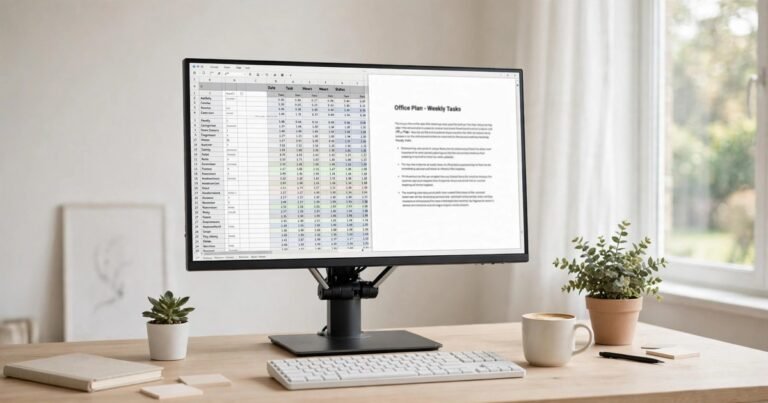
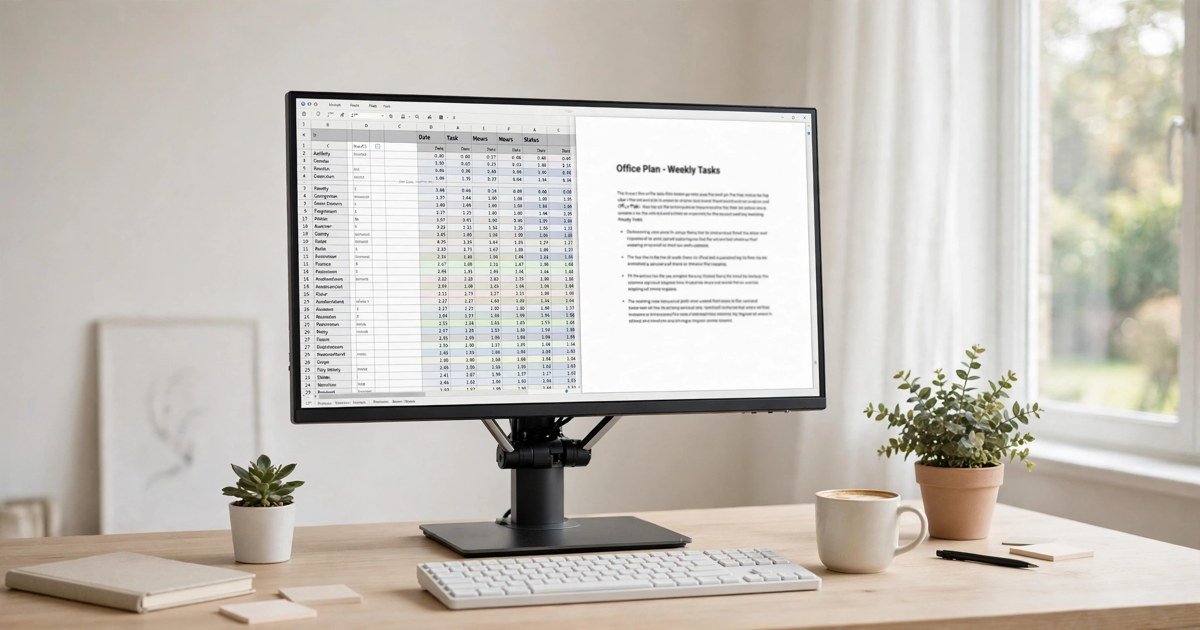
This is the pick for most people. A 27-inch QHD IPS panel gives you two documents side by side with text that stays sharp. At around £120 it is the cheapest way into the size and resolution combination that suits office work best. It is a plain, sensible monitor with no gaming gimmicks, and that is exactly what you want.
Best 27-inch QHD if you can stretch: MSI 274QRFW, around £143
If your budget reaches the top of the range, this is the step up. It is another 27-inch QHD IPS panel, and it regularly sits at the top of UK price trackers for monitors under £150. The extra £23 over our top pick buys better availability and build quality.
Best under £100: BenQ GW2490, around £86
Expert Reviews named this its best budget monitor, and the price explains why. You get a 24-inch Full HD IPS panel with a 100Hz refresh rate and good image quality for around £86. It is the right choice for a small desk, a second screen or anyone who wants to spend as little as possible without buying junk. Nothing else this cheap is this good.
Best 27-inch Full HD on a tight budget: Philips 27M2N3200NF, around £102
If you want a big screen but cannot reach QHD prices, this Philips is the honest compromise. It is a 27-inch Full HD IPS panel for around £102. Text is softer than on the QHD models above, so it suits video calls and email better than all-day document work.
Best big screen on a budget: ViewSonic VA3209M, around £119
A 32-inch Full HD IPS panel for around £119 sounds like a bargain, and for spreadsheets it is. You get a huge workspace for very little money. The catch is the same as with any large Full HD screen. Text is softer than on a 27-inch QHD panel, and you need a deep desk to sit far enough back.
What to avoid under £150
TN panels. They are cheap for a reason. Colours shift when you move your head, and that gets tiring over a working day.
No-name brands with no UK warranty. A monitor is a purchase you live with for years. If the brand has no UK support and no clear returns route, the saving is not worth it.
Tilt-only stands. If the stand cannot adjust height, you will pay for it in neck strain or in a monitor arm later. Check this in the spec sheet, not in the photos.
4K at this price. A decent 4K panel worth buying starts above £150. Anything marketed as 4K under that price is cutting corners somewhere you will notice.
Set it up properly once it arrives
A good monitor set up badly is worse than an average monitor set up well. Put the top of the screen at eye level and keep it about an arm’s length away. Sit directly in front of it, not at an angle. Put your light source beside you or behind the monitor, never behind the screen where it reflects into your eyes.
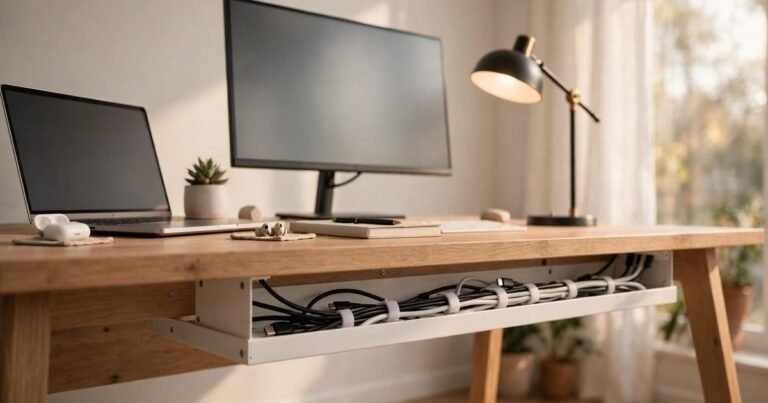
Then sort the rest of the desk. A tidy setup makes the new screen feel like an upgrade instead of another cable mess. Our guide to organising cables under your desk setup UK walks through renter-friendly options that need no drilling. And if your keyboard is the next weak link, our guide to the best budget mechanical keyboard UK explains which features are worth paying for and which are not.
Frequently asked questions
Is a 27-inch monitor too big for office work?
No, as long as your desk is deep enough. A 27-inch screen needs roughly 60 cm or more between your eyes and the screen. On a desk that deep it is the most comfortable size for most people. On a shallow desk it feels too close, and a 24-inch screen is the better choice.
Is QHD worth it over Full HD for office work?
Yes, on a 27-inch screen. QHD gives you about 78 percent more pixels than Full HD, so text looks sharper and you fit more on screen. On a 24-inch screen the difference is small, and Full HD is fine.
Can I use a gaming monitor for office work?
Yes, but you are paying for features you will not use. High refresh rates and fast response times help in games, not in spreadsheets. A gaming monitor with an IPS panel works fine for office use, but a plain office monitor at the same price usually has a better stand.
Do I need USB-C on a budget office monitor?
Not usually. USB-C is convenient if your laptop charges and connects through one cable, but most budget monitors under £150 do not include it. HDMI works just as well for the picture.
How much should I spend on an office monitor?
Spend £85 to £90 for a good 24-inch Full HD screen, or £120 to £143 for a good 27-inch QHD screen. Below £80 you start trading away panel quality and stand adjustment. Above £150 you are paying for features that do not help office work. The £120 mark is where value peaks for most home workers.
Conclusion
For most UK home workers, the answer is a 27-inch QHD IPS monitor at around £120, and the MSI MP273QW is our pick at that price. If your desk is small or your budget is tight, the BenQ GW2490 at around £86 is a genuinely good monitor for the money. Measure your desk first, match the resolution to the size, and check the stand before you buy.
About the Author