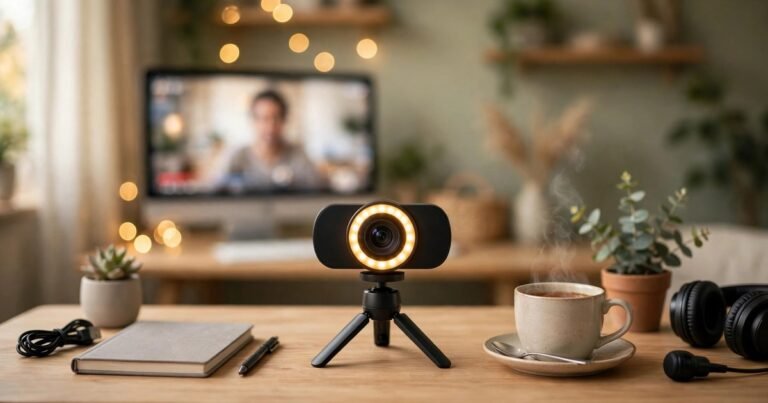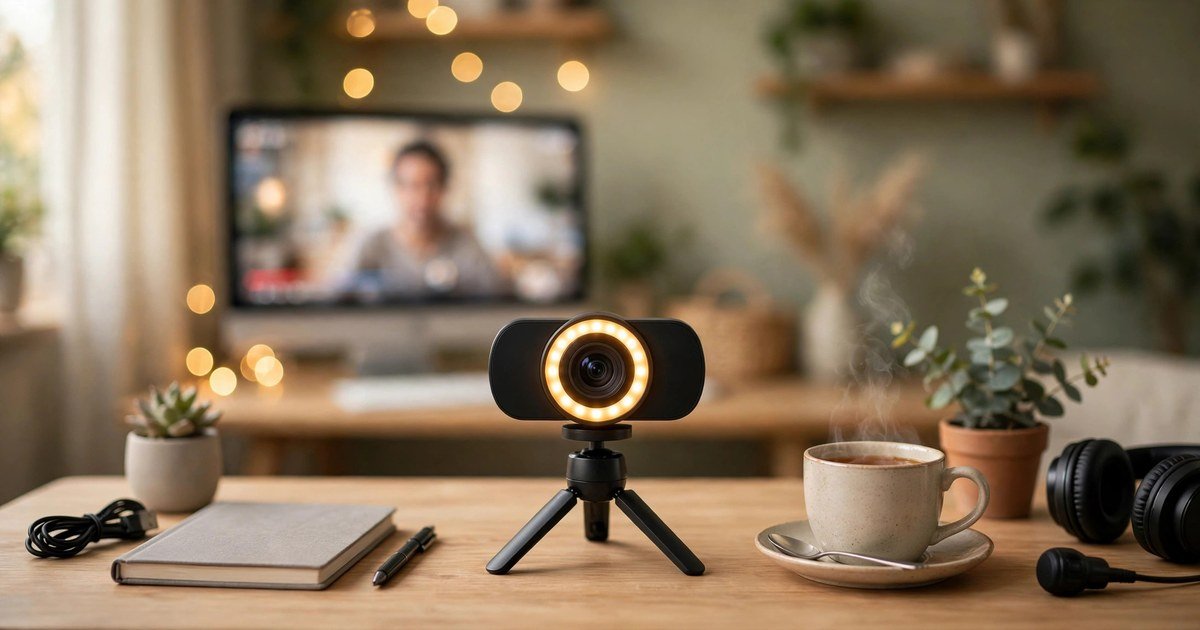
The best budget webcam for streaming in the UK is the OBSBOT Meet SE, at around £65. It records smooth 1080p video at up to 100 frames per second, handles low light well, and follows you with AI framing. If your budget is tighter, the Elgato Facecam Neo at around £40 gives you proper 1080p60 video, while the Logitech C920s Pro at around £40 is the safest all-rounder, with good built-in microphones.
The honest truth: lighting matters more than resolution
Most budget webcam guides start with resolution. That is the wrong place to start. A £150 webcam in a dark room looks worse than a £40 webcam with a £20 light in front of it. Every small sensor struggles in the dark, so the image turns grainy, soft and dull. A cheap LED panel or ring light at eye level will do more than jumping from 1080p to 4K.
What to look for in a budget streaming webcam
Resolution and frame rate. 1080p is enough for streaming. Frame rate matters more: 60 frames per second looks smoother than 30 when you move or gesture. A 1080p60 camera beats a cheap 4K30 camera for streaming every time.
Sensor, autofocus and microphone. A bigger sensor collects more light, so the picture stays clean in a dim room. Look for a wide aperture, such as f/1.8, and a named sensor brand. Autofocus keeps you sharp if you lean in and out. Built-in microphones are a bonus, not a plan: a headset or cheap USB microphone sounds far better.
The 5 best budget webcams for streaming in the UK
Every camera below is widely stocked in the UK. Prices checked November 2026 change often, so check the listing before you buy.
1. OBSBOT Meet SE: the best overall budget streaming webcam
Price: around £65. Video: 1080p at up to 100fps. Microphones: dual mics. Best for: streamers who want the smoothest picture on a budget.
The Meet SE is the only budget webcam to go far past 30 frames per second, so movement looks fluid in a way no other camera at this price can match. Its stacked sensor and f/1.8 lens keep evening streams clean, and AI framing follows you as you move. At around £65 it sits at the top of the budget range, but if you can stretch that far, buy this one.
2. Elgato Facecam Neo: the best for smooth 1080p60 video
Price: around £40. Video: 1080p at 60fps, HDR at 30fps. Microphones: none. Best for: streamers who already own a microphone or headset.
The Facecam Neo records true 1080p60 video with a Sony sensor, has a physical privacy shutter, and plugs in over USB-C with no setup fuss. Two catches: it has no built-in microphone, so you need a headset or USB mic, and its HDR mode drops the frame rate to 30fps, so leave HDR off while streaming. If you already have audio sorted, this is the best value smooth-video pick.
3. Logitech C920s Pro: the safest all-rounder
Price: around £40. Video: 1080p at 30fps. Microphones: dual stereo mics. Best for: beginners who want everything in one box.
The C920s Pro has been the default webcam recommendation for years. It is reliable, it works with everything, and its dual stereo microphones are genuinely usable for a first stream. It also has a privacy shutter and automatic light correction. The limit is the frame rate: 30fps is fine for a talking head, but it looks less fluid if you move a lot. Even so, for one camera that does the whole job with no extra gear, this is the safest buy.
4. Anker PowerConf C200: the best 2K value pick
Price: around £40. Video: 2K (1440p) at 30fps. Microphones: dual noise-cancelling mics. Best for: streamers who also take a lot of video calls.
The C200 gives you sharper-than-1080p video at a budget price, with a 2K sensor and autofocus. Its dual microphones use AI noise cancellation, and the field of view switches between 65, 78 and 95 degrees in software. It is capped at 30fps, so it is not the pick for fast movement, and some reviewers note it can overexpose bright scenes. For a streamer who also works from home, it is hard to beat.
5. HP 325 FHD: the cheapest decent webcam
Price: under £30. Video: 1080p at 30fps. Microphones: built-in mic. Best for: a first stream on the tightest budget.
If the budget stops under £30, the HP 325 FHD is the sensible pick. It is a simple, no-fuss 1080p camera that does the job without costing much. It is not as sharp or bright as the cameras above it, and it has no autofocus or privacy shutter, but it is reliable and widely stocked in the UK. Buy this one to test whether streaming is for you, and spend the money you save on a light.
Which webcam should you buy?
Match the camera to your situation. Best picture and around £65 to spend: OBSBOT Meet SE. Own a microphone and want smooth 60fps video: Elgato Facecam Neo at around £40. One camera for video and audio with no extra gear: Logitech C920s Pro at around £40. Split between streaming and video calls: Anker PowerConf C200 at around £40. Budget under £30: HP 325 FHD, and put the rest towards a light.
Set your webcam up properly in OBS
A good camera with bad settings still looks bad. Add the camera as a Video Capture Device in OBS, then set the resolution to 1920×1080 and the frame rate to match your camera: 60fps for the Facecam Neo and Meet SE, 30fps for the others. Turn off auto exposure if brightness keeps shifting. Frame yourself from the chest up, camera at eye level, facing your light, never with a bright window behind you. If you stream console games, a capture card sits alongside the webcam in the same OBS scene; our guide to the best capture card for streaming console games covers the setup step by step.
The £20 lighting upgrade that beats a £100 webcam
Buy a small LED panel or ring light before you upgrade your camera. Place it in front of you, at eye level. That single light removes grain, sharpens detail and gives your face natural colour. Fix your audio too: viewers forgive average video, but they leave streams with bad audio. Our guide to the best budget wireless earbuds under £50 includes options with microphones that work well for streaming and calls.
Webcams to avoid
Avoid no-name webcams that claim 4K video for under £20. Those cameras use tiny sensors and software upscaling, so the picture is soft, noisy and often worse than a good 1080p camera. They also tend to have poor drivers, no software support and no warranty you can rely on in the UK.
Frequently asked questions
Do I need a 4K webcam for streaming?
No. Most viewers watch at 1080p or below, and Twitch limits many streamers to 1080p. A good 1080p60 camera with decent lighting beats a cheap 4K camera.
Is 60fps important for a streaming webcam?
It helps if you move a lot, gesture, or react to gameplay. For a mostly still talking-head stream, 30fps is fine.
Can I use a budget webcam with OBS?
Yes. Every camera here works as a standard USB Video Capture Device in OBS on Windows and Mac. Add it as a source, set the resolution and frame rate, and it is ready to stream.
Do budget webcams work with PS5 or Xbox streaming?
Consoles do not accept USB webcams for streaming directly. Stream through a PC with a capture card instead, and add the webcam as a source in OBS on the PC.
How much should I spend on a streaming webcam?
Around £40 buys a very capable camera, and around £65 buys the best budget option available. Spend leftover money on a light first, then a microphone.
Conclusion
The best budget webcam for streaming in the UK is the OBSBOT Meet SE at around £65, because its 100fps video and low-light performance are unmatched at the price. On a tighter budget, the Elgato Facecam Neo and Logitech C920s Pro both deliver at around £40, one for smooth video and one for all-round convenience. Remember the real rule: buy the light first, set the camera up properly in OBS, and let a £40 camera look like a £150 one.
About the Author